Setup visit
$200
One visit, $200 flat. Hardware at cost.
Book a setup visitOneTap Home
A tag on the nightstand dims the lights. One by the door arms the alarm. We set it up, and we keep it working.

Almost anywhere you do the same thing every day. These are the spots people pick most.

1Front door
2Kitchen
3Living room
4Bedroom
5Home office
6Garage and car
1
One visit. We ask what you do every day and pick the spots.
2
On your iPhone or Android, and on the smart devices you already own.
3
The whole family can use them. No app to open.
$200
One visit, $200 flat. Hardware at cost.
Book a setup visit$29 to $49/mo
Priced by how many devices and rooms we look after.
We work with plug-in, battery, and hub devices only. Anything hardwired is done by our licensed electrician partner.
Buy tags on their own, or have us set them up on your visit.
Tap to log a chore, a pill or a filter change.
$19
Tap to run a phone shortcut: lights, alarms, music.
$24
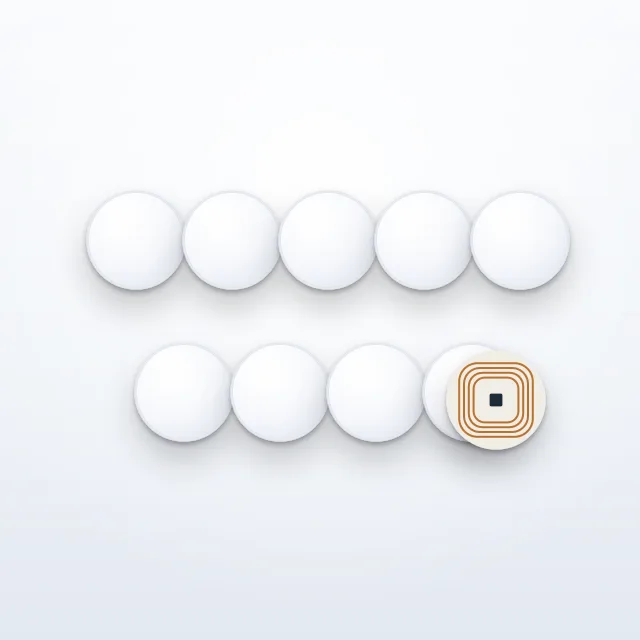
Ten blank tags to program yourself.
$35
Wi-Fi, house guide and checkout tags for a rental.
$79
One hour with us to set up tags and shortcuts on your phone.
$99
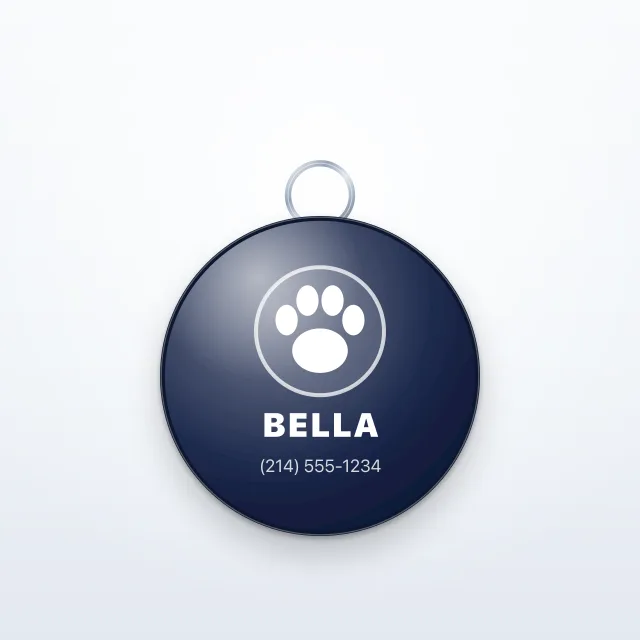
Whoever finds your pet taps to see your contact info.
$22
A small tag that opens your Instagram profile.
$5

A small tag that opens your TikTok profile.
$5

A small tag that opens your Facebook page.
$5

A small tag that opens your YouTube channel.
$5

A small tag that opens your X profile.
$5

A small tag that opens your Pinterest profile.
$5
A keychain that opens your Instagram profile.
$12
A keychain that opens your TikTok profile.
$12
A keychain that opens your Facebook page.
$12
A keychain that opens your X profile.
$12
A keychain that opens your YouTube channel.
$12
A keychain that opens your Pinterest profile.
$12
Tap to start navigation, music or a hands-free shortcut.
$15

One tag, printed and programmed the way you want.
$15
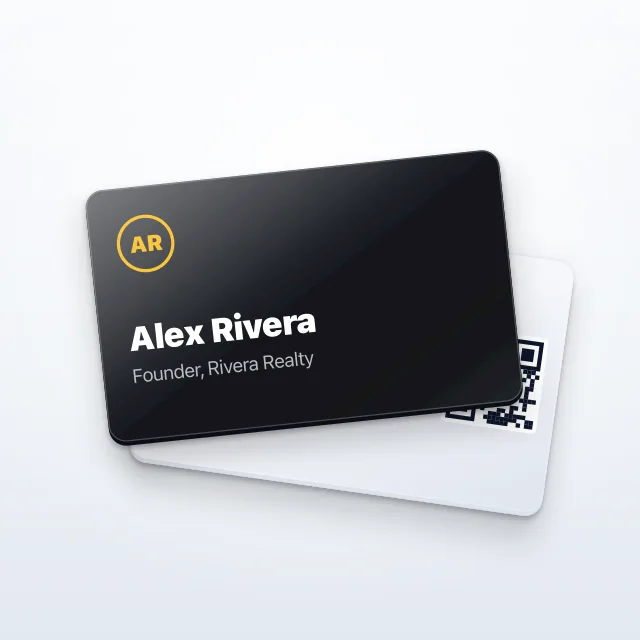
Tap a phone to share your contact card.
$29
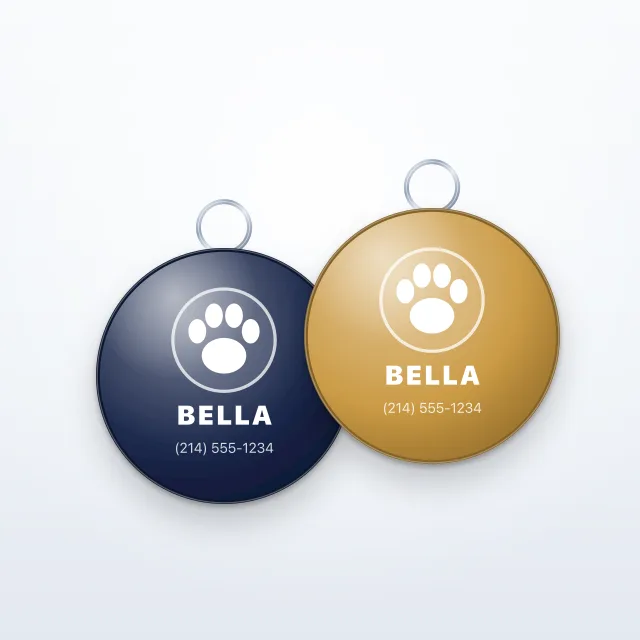
Two pet tags.
$35